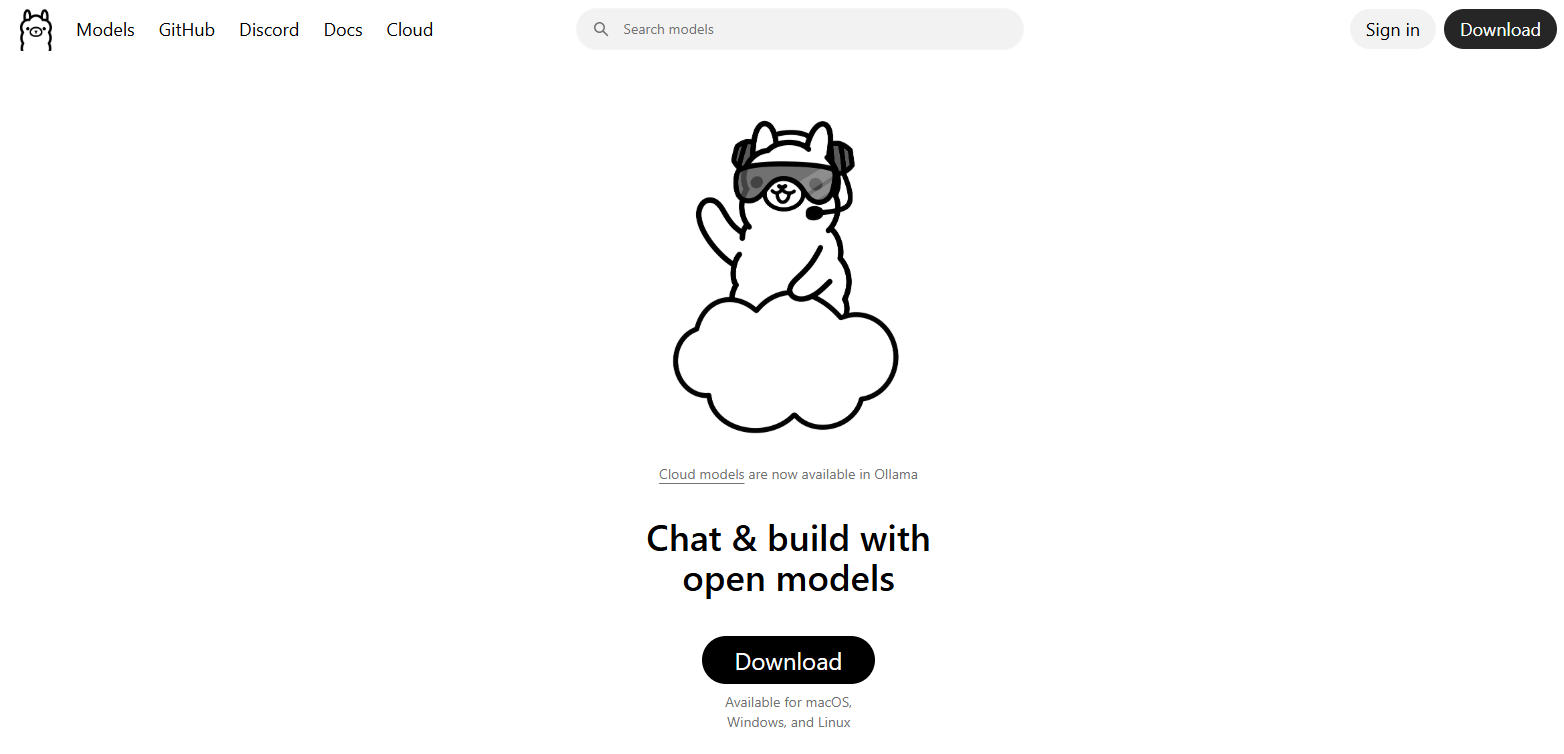
Featured image: Ollama homepage screenshot retained from this article’s original September 2025 publication. It is an archival illustration, not evidence of the current interface or hands-on testing.
Ollama lets you run language models on your own computer or use hosted models through its cloud service. Its appeal is the ability to choose a model and connect it to a terminal, application, or development workflow. The practical trade-offs are hardware requirements, model capabilities, cloud charges, and where your information is processed.
Updated October 15, 2026
This overview is based on official documentation checked on October 15, 2026. It is a documentation review, not a hands-on performance or security test.
What Ollama does
Ollama provides a model runtime and tools for downloading and running models. The command-line interface can list, pull, start, and stop models. Developers can use its HTTP API and official Python or JavaScript libraries with a local server or the hosted API.
Cloud access avoids downloading model weights or supplying the hardware needed to run them. Direct hosted API calls require an API key; the app and CLI support signing in. Existing OpenAI or Anthropic clients can also connect, but Ollama documents compatibility with a subset of those APIs rather than promising every feature will work unchanged. See the cloud guide.
Local and cloud privacy
According to Ollama’s privacy policy, prompts and responses processed locally stay on your machine and are not accessible to Ollama. Cloud requests are different: the service processes their content transiently to answer them. Ollama says it does not train on that content or retain it beyond fulfilling the request. Account information and limited usage or device metadata can still be collected.
That is not a guarantee that every connected application keeps your data private. A chat interface, extension, or external tool may have its own storage and network behavior. Review the whole workflow before using confidential material.
For local-only use, the FAQ documents disabling cloud features with OLLAMA_NO_CLOUD=1 and restarting Ollama. This also disables Ollama web search. The local API does not require authentication, so avoid exposing it to untrusted networks without appropriate access controls.
Platforms and hardware
Ollama supports macOS, Windows, and Linux, with platform-specific requirements. The macOS guide requires Sonoma 14 or later and supports Apple M-series CPU/GPU execution; Intel Macs are CPU-only. The Windows guide specifies Windows 10 22H2 or newer and compatible drivers for GPU acceleration. Linux has official AMD64 and ARM64 installation options.
Check the hardware support list for your exact GPU and driver. There is no single RAM figure that makes every model practical. Model choice, available memory, and context length matter; increasing context length increases memory requirements. Download size is not a complete estimate of memory needed while running.
Capabilities and limits
Structured outputs can constrain local responses to a JSON schema, which is useful for extracting consistent fields. The current documentation explicitly says Ollama’s cloud does not support this feature. Schema compliance also does not establish that extracted facts are correct.
Tool calling lets a compatible model request functions and incorporate returned results. Your application still supplies and executes those functions. Give tools narrow permissions and validate arguments before allowing actions such as sending messages or modifying files. Do not assume every model offers the same tool, image, or reasoning capabilities.
Pricing and usage limits
Local execution has no Ollama usage charge, although you supply the hardware and electricity. As checked on October 15, 2026, published cloud plans are:
- Free: $0, with starter usage for selected models; buying credits unlocks all models.
- Pro: $20 monthly or $200 annually, with $60 in monthly usage credits.
- Max: $100 monthly, with $300 in monthly credits.
- Team: $500 monthly in early access, with $1,000 in shared monthly credits and unlimited users.
- Enterprise: custom pricing.
Cloud usage draws credits at model-specific input, cached-input, and output token rates. Concurrent-request limits are one for Free, three for Pro, and ten for Max or Team. Excess requests queue, and a full queue can cause rejection. Included credits reset monthly without rollover. Credit balances are denominated in USD.
The August 31, 2026 pricing announcement distinguishes these plans from legacy subscriptions, which may retain session and weekly limits. Check your account before assuming it has migrated. Under the payment terms, subscriptions renew automatically, applicable taxes are additional, and purchased credits expire after one year.
A practical starting example
Consider turning short product descriptions into draft catalog fields. After installing Ollama, a local starting point is ollama run qwen3:4b. Its model listing identifies a roughly 2.5 GB download; this is not a RAM requirement or speed promise.
Start with invented product text, ask for a name, material, and care instructions, and tell the model to mark missing details as unknown. For an application, define those fields in a JSON schema and validate the response before importing it. Compare the extracted values against the supplied text and keep uncertain records for human review. This is an illustrative workflow, not a measured result or a guarantee that the model will follow every instruction.
Licenses and suitability
The Ollama repository uses the MIT license, but individual models have their own terms. For example, Qwen3:4b lists Apache 2.0, while Llama 3.2:3b lists Meta’s community license and acceptable-use policy. Check the exact model and intended use before deployment.
Ollama is worth considering when you want model choice and control over local execution. Budget for setup and validation. Cloud access can reduce hardware demands, but brings usage costs and remote processing that should be evaluated separately. For a broader look at developer-focused AI tools, see our Cursor AI overview.