
Updated October 24, 2026
| Name | DreamFace AI |
|---|---|
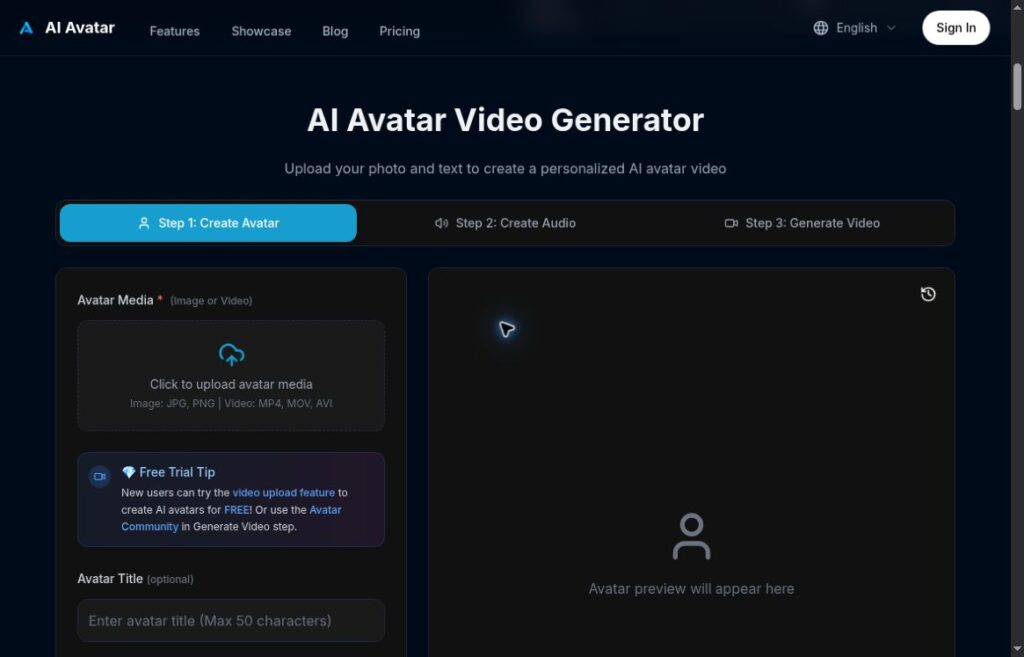
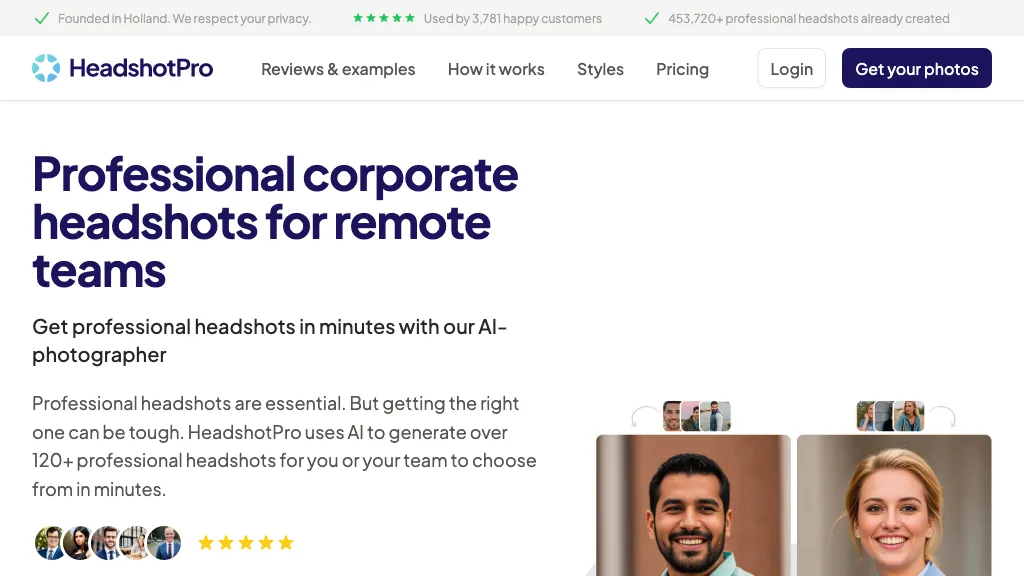
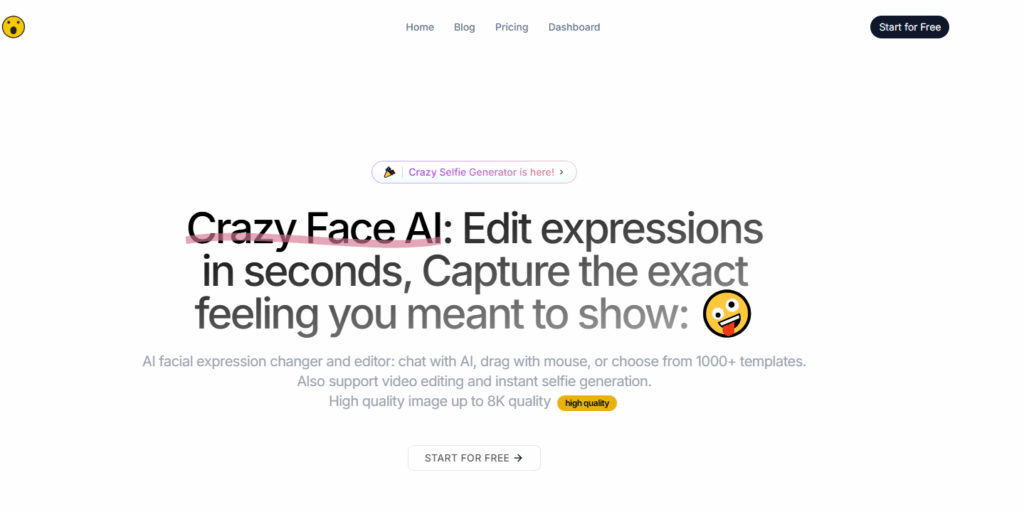
| Overview | DreamFace AI turns photos into talking avatars and animated videos. Its tools support pet lip sync, text- and image-based video creation, photo enhancement and image restoration. Choose a workflow for your project and preview the output rather than assuming every clip will be ready to publish without editing. |
| Key features & benefits |
Benefits: Useful for drafting talking-photo clips and short creative videos. Output quality and editing time vary; check lip sync, pronunciation and visual artifacts before sharing. |
| Use cases and applications | Talking pet videos, social media posts, personalized greetings, educational clips, marketing campaigns, old photo restoration, meme creation, influencer engagement. |
| Who uses? | Content creators, influencers, small business marketers, educators, meme enthusiasts, social media users, and casual creators looking for fun AI effects. |
| Pricing |
|
| Tags | AI video generator, talking avatar, lip sync app, AI pet animation, face swap, photo restoration, content creation tool |
| App available? | Web access is available. The official website also promotes iOS and Android apps; check your regional app store for availability and purchases. |
How to Start an Avatar Video
- Open the avatar tool and choose a photo you are permitted to use.
- Add text or audio, then choose the available voice, animation and resolution settings.
- Generate and preview the clip. Check the speech, mouth movements, visual artifacts and any factual claims before exporting.
Before You Publish
DreamFace’s Terms of Service restrict standard accounts to personal, noncommercial use unless business use is separately authorized. For client or marketing work, confirm the applicable agreement first. Use photos, voices and music with the necessary permissions, review the result, and retain required AI labels or provenance.
Read the privacy policy before uploading personal or client material; do not assume processing stays on your device.