

Updated October 24, 2026.
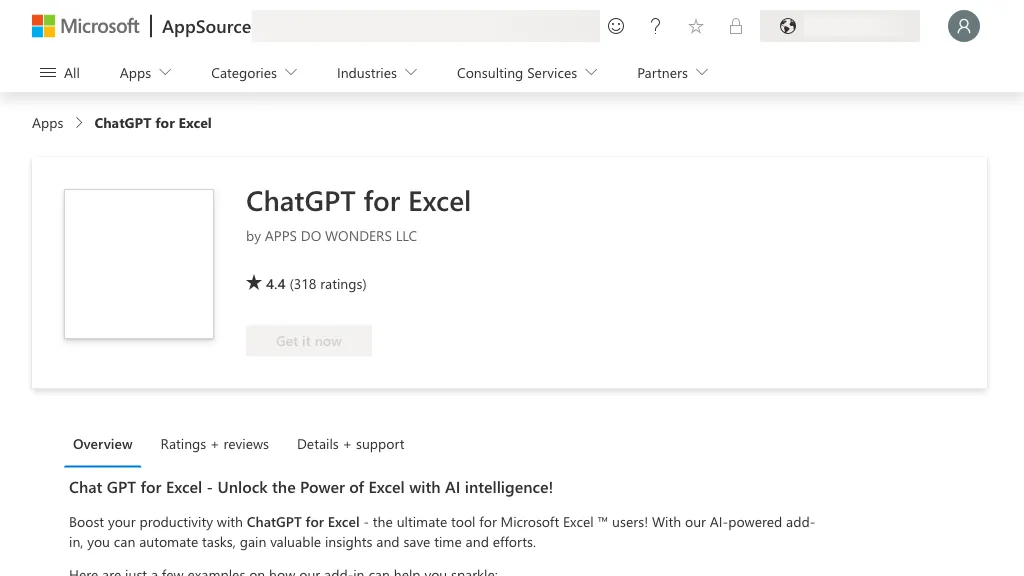
Image context: Historical Microsoft AppSource screenshot of Apps Do Wonders’ ChatGPT for Excel. The displayed product name and rating are archival, not current Twistly listing data.
| Name | GPT for MS Excel / TwistlyCells (formerly documented as ChatGPT for Excel) |
| Overview | This page concerns Microsoft add-in ID WA200005271, originally documented by Apps Do Wonders as ChatGPT for Excel. The same Microsoft listing now identifies GPT for MS Excel by Twistly, and the legacy vendor product page redirects to TwistlyCells. The add-in uses AI functions to answer questions, create tables, translate text, format cells and extract information within Excel. Check the publisher and listing ID rather than choosing a similarly named product; review AI results before relying on them. |
| Key features & benefits |
|
| Use cases and applications |
|
| Who uses? | Excel users seeking basic AI features and those looking for advanced AI capabilities. |
| Pricing | A free trial is advertised, followed by Starter, Pro and Team options. Starter handles OpenAI billing; Pro combines an add-in subscription with separate usage charges through your own OpenAI API key. Check current pricing for billing periods, allowances and total costs. Do not assume the old basic free plan is an unlimited ongoing tier. |
| Tags | AI-powered Excel, Productivity, Data Analysis, Automation, Translation |
| App available? | An Excel add-in, not a standalone app. The official Microsoft installation page lists Excel 2016 or later on Windows and Mac, plus Excel on the web. Check your organization’s add-in permissions before installing. |
A Practical Excel Workflow
- Open the exact Microsoft listing, confirm Twistly as publisher and review permissions before adding it to Excel.
- Work on a copy of a non-sensitive workbook. Choose one function and a small input range, then describe the required output.
- Compare results with the original cells; check formulas, references, translations and extracted values before applying the workflow more widely.
Data caution: Microsoft discloses that the add-in can read and change a document and send data over the internet. Review the vendor’s data terms before using confidential or personal information.
Sources checked October 24, 2026: Apps Do Wonders installation documentation, current Microsoft listing and TwistlyCells pricing.