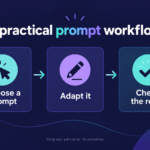
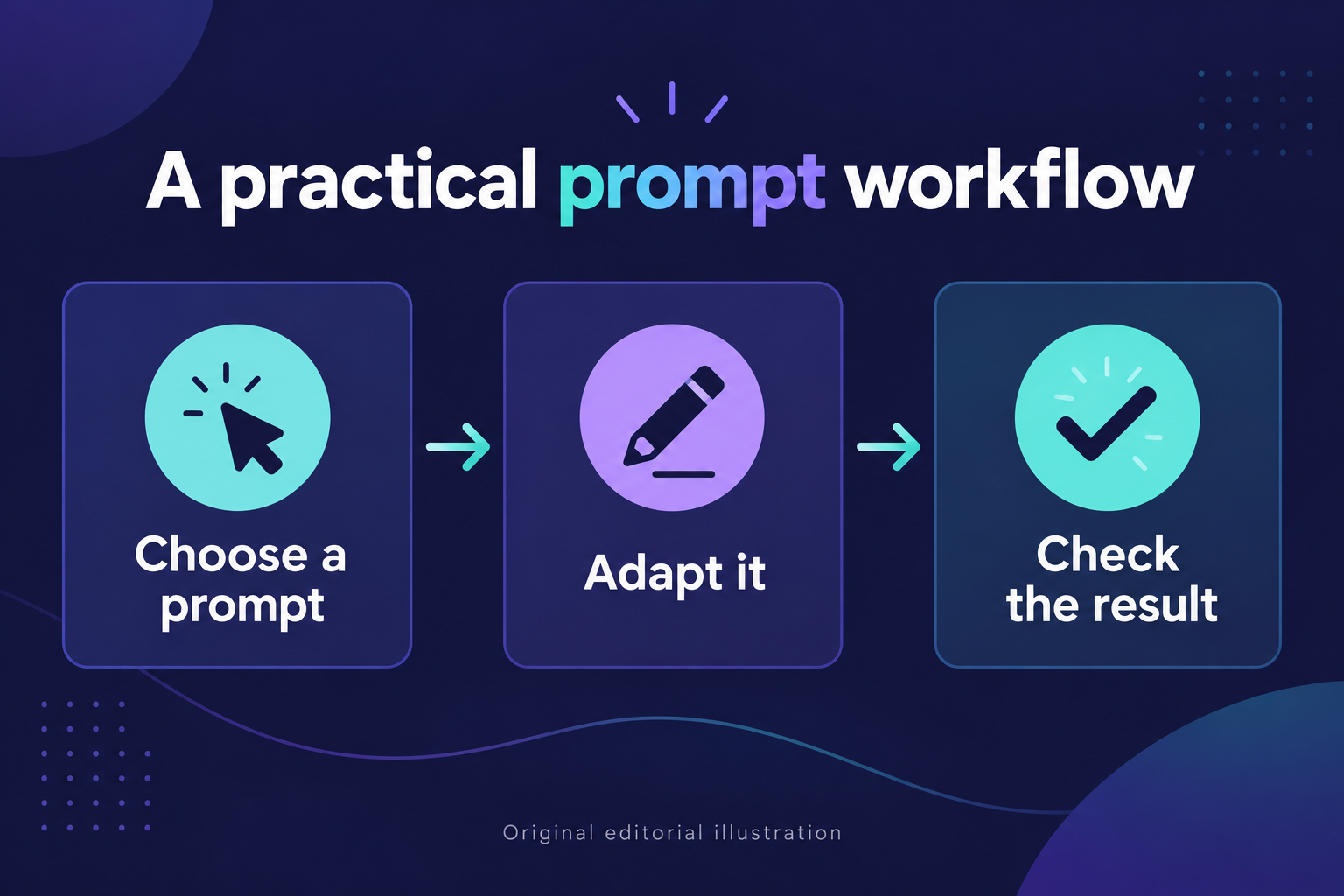
Illustration: an original GPTOnline editorial graphic created October 23, 2026, showing a suggested prompt workflow—not a screenshot of Trello or the resource board.
Updated October 23, 2026.
| Name | 100+ AI Prompts |
| Overview | 100+ AI Prompts is a public Trello resource board titled “100+ AI Prompts & Resources | Prompt Lovers.” Its visible lists include ChatGPT / GPT3, Stable Diffusion, MidJourney and DALL-E, alongside an About section with resource and model-guide cards. It is a collection to browse and adapt, rather than a standalone AI model. The name is the board’s title, not an independently verified count of more than 100 current prompts. |
| Key features & benefits |
|
| Use cases and applications |
|
| Who uses? |
|
| Tags | AI, Prompts, Trello, Collaboration, Project Management |
| App available? | Trello-hosted resource; no separate app for this collection has been verified. |
Access and pricing
The linked Trello board is the source to check for current contents and access. The board was publicly readable without signing in when checked on October 23, 2026. Availability and permissions may change; reading a public board does not imply permission to edit it. Trello workspace subscriptions are separate hosting plans, not confirmed prices for this prompt collection.
How to adapt a prompt
Start with the task, audience, relevant context and output format. For example: “Draft three email subject lines for [audience] about [topic], each under [length] characters. Use a [tone] tone and do not invent offers or dates.” This is an illustrative example, not a prompt verified from the board.
Replace the placeholders, test with non-sensitive information, then check the result for accuracy. Text and image tools may need different instructions; a prompt collection does not guarantee a particular result.