
Originally published November 16, 2023. Updated October 15, 2026. This article preserves the history of the Bing Chat rename and adds a separately dated explanation of today’s account and privacy distinctions.
Method: documentation-only review of Microsoft announcements and support pages, checked October 15, 2026. No Copilot account, application, model, output quality or security testing was performed.
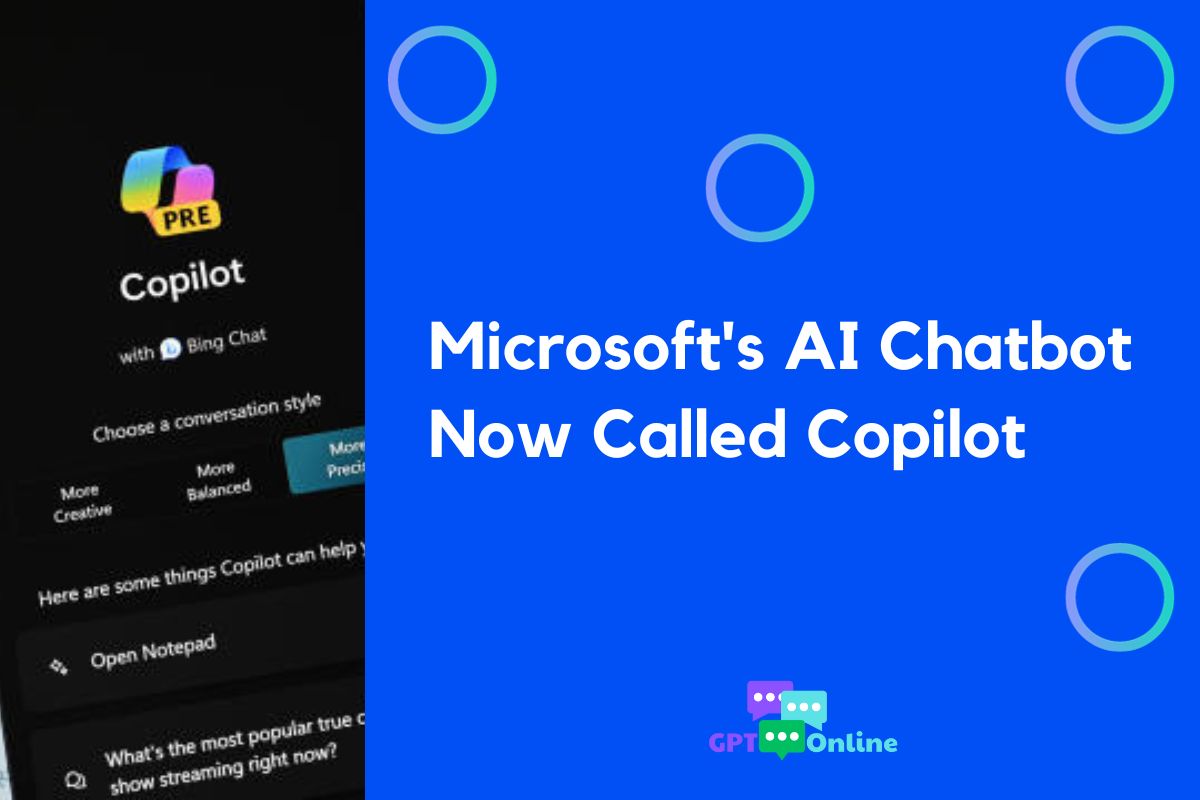
Image note: the retained graphic shows a historical 2023 interface and headline. Its word “Now” refers to that period, not the current Copilot app.
Microsoft announced on November 15, 2023 that Bing Chat and Bing Chat Enterprise were becoming Copilot. Its announcement from that day is the primary record of the change.
What changed in November 2023?
Microsoft introduced a dedicated Copilot chat destination at copilot.microsoft.com while retaining Bing.com for combined search and chat. The announcement also scheduled general availability of Copilot with commercial data protection for December 1, 2023. These were launch-era details, rather than a description of today’s plans or privacy terms.
The Copilot name already appeared elsewhere in Microsoft’s product lineup. A September 21, 2023 Microsoft announcement described the initial Windows 11 rollout and set November 1, 2023 as Microsoft 365 Copilot’s general-availability date for enterprise customers. That page received a November 15 update confirming the Bing Chat rename.
Microsoft’s stated explanation was to simplify the experience and improve access. Claims that the rename proved a retreat from Google Search, a new strategy against ChatGPT, or a response to market-share figures go beyond that explanation. The historical news here is the branding and access change.
How to read the Copilot names in October 2026
There has been further renaming. Microsoft’s enterprise data-protection page, updated August 18, 2026, says Microsoft 365 Copilot is now named Microsoft Copilot, and Microsoft 365 Copilot Chat is now Microsoft Copilot Chat. It warns that older names may remain during the transition. The shared name alone does not identify the account, license or data rules that apply.
Microsoft’s current app-update guidance describes personal and work or school accounts within the updated app. It says those account experiences remain separate. Check the signed-in account before deciding which documentation to follow.
- Personal Copilot app: Microsoft’s privacy overview for individuals covers personal Microsoft accounts in the updated web, desktop and mobile app available from August 18, 2026. It directs people still using the older app to different documentation.
- Copilot in Microsoft 365 apps for home: This has its own privacy guidance for personal accounts. Microsoft says prompts, responses and file contents in this specific context are not used to train foundation models. That statement should retain its product scope.
- Work or school Copilot Chat: Microsoft’s organizational guidance says signing in with a work or school account provides enterprise data protection. It also says prompts and responses are not used to train foundation models, while chat information is logged and can be viewed through authorized IT search and audit tools. Bing web-search queries have separate data-handling terms.
Feature access also needs a current check. Microsoft’s Copilot overview, updated October 14, 2026, distinguishes licenses, app integrations and access to organizational information. It says experiences in Microsoft 365 apps vary with licensing and the organization’s configuration. An old description of one free chat product and one paid work product is insufficient for choosing a current offering.
Example: a book-club invitation
Imagine an adult book-club organizer wants three friendly opening lines for an invitation. A low-stakes sample prompt is: “Draft three short invitations for a fictional Saturday book discussion. Use placeholders for the venue and contact details.” This is an illustrative prompt, not a tested Copilot output.
The organizer can review the wording, replace placeholders and check the date before sending anything. If the task later involves an employer’s internal event list, they should first check the organization’s approved account and data policy. A familiar Copilot logo is not enough information to make that decision.
What readers should take away
The 2023 rename is a historical milestone. For a decision today, identify the account you will use, the features your plan actually includes, and the privacy documentation for that specific experience. Do not treat a 2023 announcement as a current browser-compatibility list, pricing table or promise about data retention.
For a structured way to check a chosen assistant against a small task, use our AI assistant acceptance-test worksheet. It is an evaluation aid, not evidence of a particular Copilot plan’s capabilities.