Updated October 24, 2026
| Name | GPTExcel |
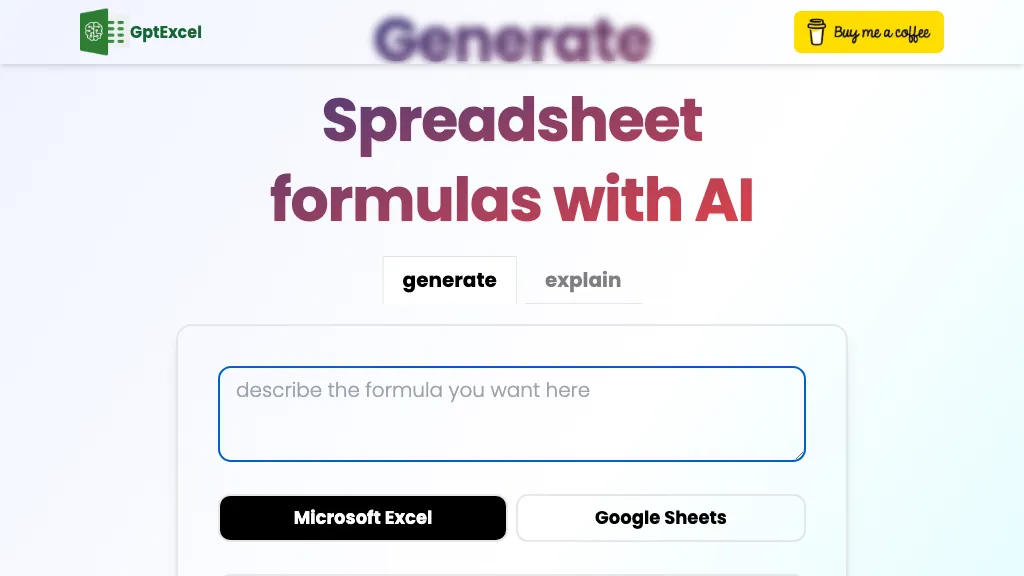
| Overview | GPTExcel is an AI-powered tool for spreadsheet work. It assists with formula generation for Excel, Google Sheets, LibreOffice Calc and Airtable, alongside script, SQL and regular-expression tools. VBA and Apps Script are scripting languages, rather than spreadsheet platforms. GPTExcel can help with complex calculations, repetitive processes and SQL queries. The web workspace also offers chat with uploaded files, charts, native Excel pivot tables and downloadable slide decks. It supports multiple languages and has a free plan with lower usage limits. |
| Key features & benefits |
|
| Use cases and applications |
|
| Who uses? |
|
| Pricing |
The provider advertises a 30% discount for annual billing; confirm the full charge and taxes before subscribing. Prices retain the site’s displayed $ symbol. Allowance descriptions differ between the pricing page and FAQ. Pricing uses shared credits for chat and tools, with weekly refreshes on paid plans; the FAQ lists separate message and tool counts. Do not add these together. Check the current plan and account allowance before budgeting for a project. |
| Tags | AI-driven tool, spreadsheet assistant, Excel, productivity, automation |
| App available? | Web-based: use GPTExcel in desktop or phone browsers without installing a separate app. |
Check a formula before using it
- Specify the spreadsheet platform, relevant columns and intended result. Use a small anonymized example or a copy of your workbook, not confidential source data.
- Compare the generated formula with a manually checked result, including blank cells, text values and boundary cases. Review scripts before running them.
- For an edited workbook or pivot table, inspect the downloaded file and reconcile totals with the original. Keep the original file as your reference.
Sharing needs care: anyone with a shared-chat link can view its snapshot. Review the privacy policy and remove sensitive material before sharing. The provider’s data-use statements are policy commitments, not an independent security assessment.
Official sources: product documentation, formula guide, file-upload guide, and terms, alongside the pricing and FAQ pages linked above. Checked October 24, 2026. This is a documentation-based overview, not a hands-on test.